
Browser games and pointless experiments. Nothing to install.
Browser games and pointless experiments. Nothing to install.
Hold to rise. Release to dive. Survive the neon circuit.
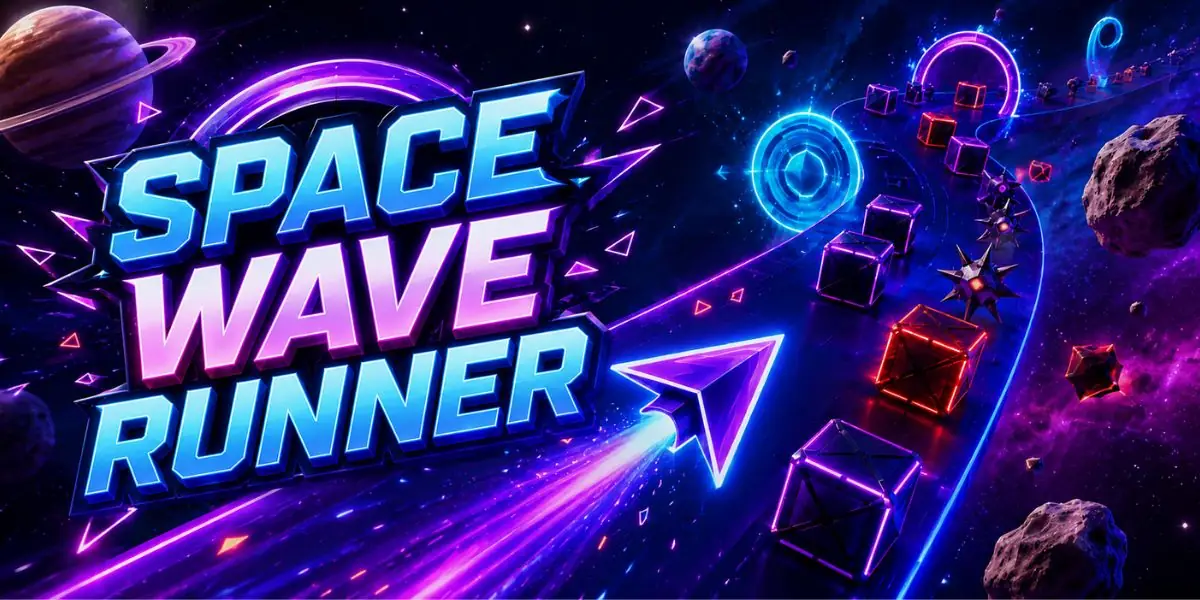 Space Wave RunnerHold to climb. Release to dive. Ride the cosmic wave
  Basketball Tap ShotsThree hops per shot. Tap the timing.
  Infinite CraftStart with four elements. See how far it goes
  2048Slide and merge tiles to reach the magic number
  Absurd Trolley Problems15 impossible moral choices. Count your victims
  Baby MapWatch babies born around the world in real-time
 Neon Run is a one-button skill game built around momentum. Hold the mouse, touch the screen, or hold Space, W or the up arrow to make your neon creature rise. Release to let gravity pull it down. Your character moves forward automatically, so the challenge is controlling height while the level keeps coming.
Every level contains three optional stars placed away from the easiest route. You can finish without collecting all of them, then replay a level to chase a perfect three-star clear. Coins collected during a run are saved and can be spent on different neon skins.
Early levels teach spikes and static gaps. Later stages add moving gates, rotating blades, pulse lasers, narrow tunnels and speed slides. Slides give your character a temporary burst of momentum, which can help with long sections but also reduces your reaction time.
Rise: hold left mouse, touch, Space, W or the up arrow. Fall: release. Restart: press R or use the restart button. Progress, unlocked levels, stars, coins and skins are stored locally in your browser.
Long holds are useful when you need a fast climb, but most tight passages are easier with short controlled taps. Watch the path ahead rather than staring at the character. A moving gate or rotating bar has a repeatable rhythm, so you can often wait for the opening and make one smooth correction instead of reacting late. When a slide boosts your speed, plan the exit before you touch it because the next obstacle reaches you much sooner.
Stars are intentionally placed on riskier lines. On a first attempt, focus on learning the safe route and reaching the finish. Once the level feels familiar, replay it and take the higher or lower line needed for the missing star. Your best star result is saved even if you later complete the level with fewer stars.
Neon Run keeps the controls deliberately small so the difficulty comes from timing rather than memorising lots of buttons. The character is always moving forward. The only decision is how long to hold and when to release. That simple rule creates very different situations once moving walls, narrow tunnels, saws and timed lasers begin to overlap.
There are no downloads or accounts. The game runs directly in the browser, and progress is stored locally on the device you are using. If you clear all 12 levels, you can still replay them to collect missing stars, improve your best times, reduce your death count and save enough coins for the more expensive skins.
Hold the mouse button, touch the screen, or hold Space, W or the up arrow to rise. Release the control to fall. Press R to restart instantly.
There are 12 hand-built levels. New hazards are introduced as you progress, including moving gates, rotating blades, pulse lasers, tight tunnels and speed slides.
No. The stars are optional challenges. Reach the finish to unlock the next level, then replay stages if you want a perfect three-star clear.
Coins collected during runs are saved in your browser and can be used to unlock different neon character skins.
Yes. Press and hold anywhere on the game to rise and release to fall. The game also supports mouse and keyboard controls on desktop.